












Wireless Systems
AOTOP offers various of without wire easy to install vehicle wireless systems for vehicle road safety!
AOTOP WIRELESS SYSTEMS
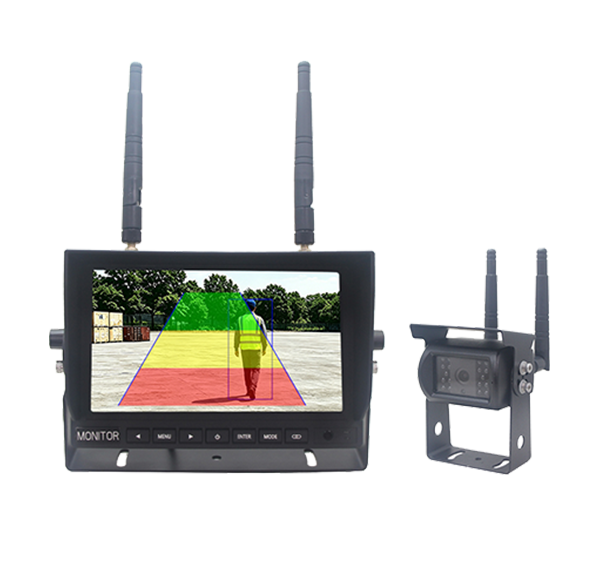
A wireless connection between the camera and monitor means that with these systems, there is no need to run cabling through your vehicle. This is usually the most difficult part of rear view camera system installation and cutting it out, cuts the install time in half! All our wireless systems also come with waterproof wireless backup cameras and excellent night vision to ensure these systems provide the best quality image as well as an easy install.
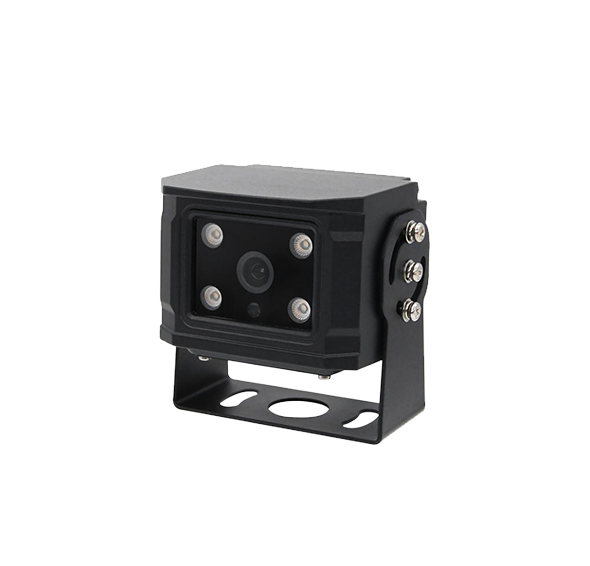
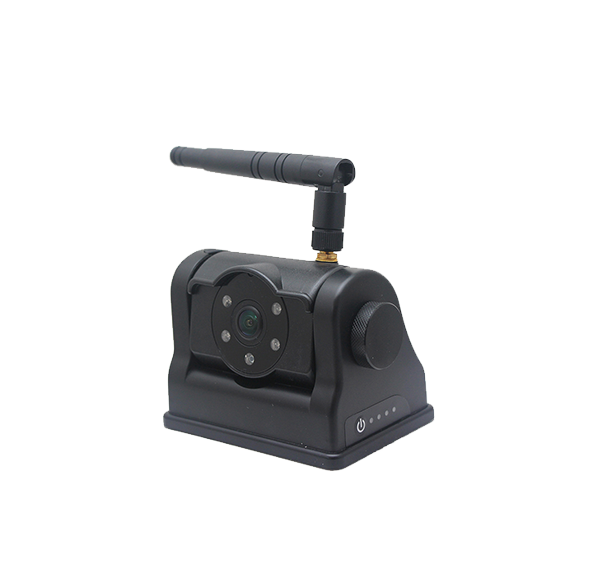
HD Wireless Camera System
2.4Ghz wireless video transmission without long extension cable runs between the camera & monitor, saving installation time and costs.
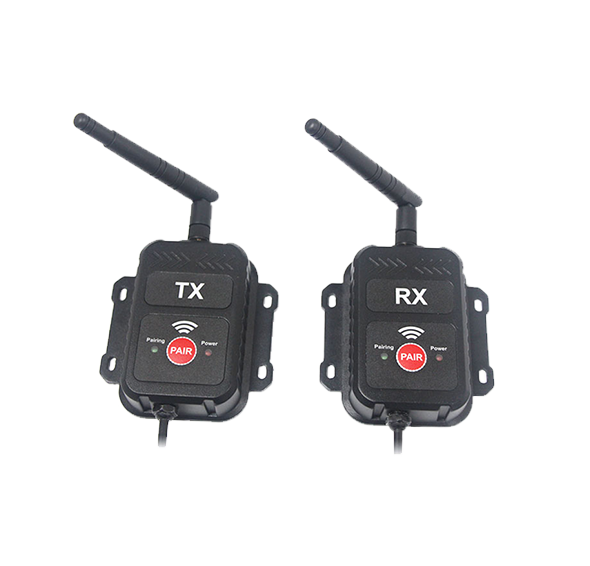
Wireless Transmission Receiver
Add a wireless video link between a compatible camera and monitor, avoiding a long video cable run through the vehicle.
4G Network Camera
View live vehicle footage remotely over a 4G network to check what’s happening around the vehicle while you’re off-site.
WiFi Camera
Connect directly to your mobile smartphone or tablet via Wi-Fi to view live camera footage through a compatible APP.
Why Use a Vehicle Wireless System?
Long vehicle bodies, trailers and attached equipment can limit what drivers see from the cab. A wireless camera system brings rear and side views onto an in-cab monitor, helping drivers check surrounding traffic, people and obstacles when reversing, turning or changing lanes.
Wireless video transmission makes it practical to add these views where routing a video cable is difficult, particularly on trailers, RVs and agricultural machinery. It offers a convenient way to improve visibility on existing vehicles and support everyday driving and work tasks.
Benefits

Faster Installation
Wireless video transmission without long video cable runs between the camera and monitor, reducing installation time.

Lower Installation Costs
Reduced video cabling and labor requirements help lower overall installation costs.

Secure Digital Wireless Technology
Reliable digital transmission delivers camera images in less than 200 milliseconds.

Flexible Pairing
Easily transfer the camera between trailers and pair it with a compatible cab monitor, providing flexibility when changing vehicle combinations.

Need Help Finding the Right Monitor for Your Vehicle?
Frequently Asked Questions
Will a wireless camera system work on a long truck or trailer?
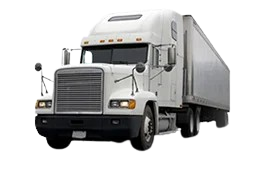
Yes, provided the system’s transmission capability suits the complete vehicle combination. Vehicle length, metal bodywork, cargo and antenna placement can affect reception. Check whether the stated range refers to open-area testing, and test the connection on the intended vehicle before completing installation.
How are wireless vehicle cameras powered?
Most wireless vehicle cameras draw power from the vehicle’s electrical system, while battery-powered models use a rechargeable battery. The monitor also requires a suitable power supply. Wireless transmission removes the video cable between the camera and monitor, but local power connections may still be needed.
Do wireless backup cameras need WiFi or internet access?
A dedicated wireless camera and monitor system works without a router, internet connection or mobile data plan. The camera sends video directly to its compatible monitor. Wi-Fi cameras use a local connection to a phone or tablet, while 4G cameras use a mobile network for remote viewing.
Can I convert a wired backup camera to wireless?
Yes. A wireless transmitter and receiver can replace the long video cable between a compatible camera and monitor. The camera connects to the transmitter, and the monitor connects to the receiver. Check video format, resolution and connector compatibility to determine whether your existing equipment can be retained.
Can a wireless camera connect to my existing monitor?
An existing monitor may be retained if it accepts the video output from a compatible wireless receiver. For monitors with a built-in wireless receiver, the camera must support the same wireless protocol. Check the exact models, as matching frequencies or connectors alone do not establish compatibility.
Can wireless cameras work with interchangeable trailers?
Yes. With a compatible system, the cab monitor can be paired with cameras fitted to different trailers as vehicle combinations change. A removable camera can also be transferred between trailers. The pairing method, mounting arrangement and power connection determine how the system is used across multiple trailers.
Do I need to pair the camera again every time I start the vehicle?
Normally, no. Systems with automatic reconnection remember the initial pairing and restore the video connection when the camera and monitor are powered on. Pairing may be needed again when equipment is replaced, reset or connected to a different vehicle.
Can a wireless camera provide a continuous rear view while driving?
Yes, on systems that support continuous viewing. The camera needs a suitable continuous power supply so the image remains available beyond reversing. A camera connected only to the reversing circuit will generally display video only while reverse gear is engaged.
Can one wireless monitor display multiple cameras at the same time?
Yes. A compatible multi-channel monitor can bring rear, side and other camera views onto one screen. Depending on the model, the driver can select an individual view or use a split-screen layout. Confirm how many cameras can be connected and how many feeds can be displayed simultaneously.
Does metal bodywork affect a wireless camera’s signal?
Metal panels can obstruct the signal between the camera and monitor. This makes antenna placement important on enclosed trailers and large vehicles. Mount antennas clear of surrounding metal where practical, and check reception with the trailer attached and the equipment in its final installation positions.
Why does my wireless backup camera show “No Signal”?
“No Signal” means the monitor is not receiving video from the selected camera. First check that the camera has power and the correct channel is selected. Then check the antennas and pairing status. If the system works at close range but loses video after installation, review antenna placement and possible obstructions.
How can I improve the signal of a wireless camera system?
Start by checking antenna connections and orientation. Position the antennas clear of metal shielding and test reception before securing the installation. If the model supports an extension antenna, it may allow the antenna to be placed where the wireless path to the cab is less obstructed.
Industrial Solutions
COMBINE HARVESTER
AOTOP’s wireless combine multi-monitor camera system sends the same live feed of the unloading area to displays in both the combine and the tractor pulling the grain cart. This lets both operators monitor grain flow.
TRAVEL TRAILER
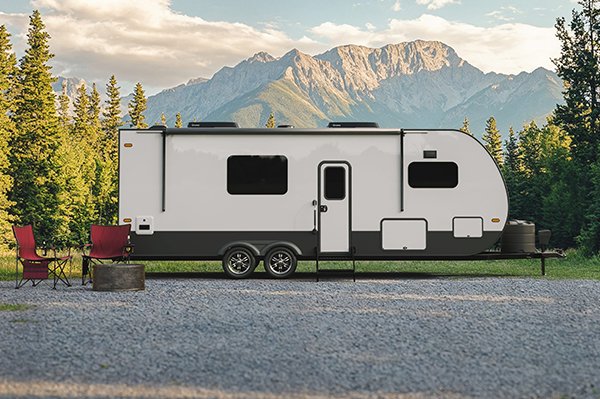
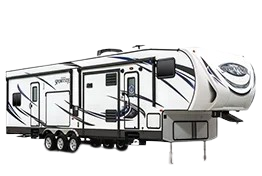
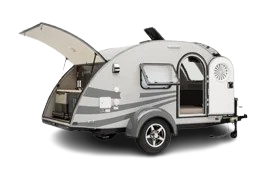
AOTOP’s wireless camera system sends live rear and side views from the trailer to a monitor in the tow vehicle. Drivers can check nearby traffic when changing lanes and see obstacles behind the trailer when backing into a campsite.
FORKLIFTS
AOTOP’s wireless forklift camera mounts on the fork carriage and sends a live view from fork level to the operator’s monitor. It helps operators see ahead when a load blocks their view and align the forks with pallet openings during pickup.
AOTOP - Industry Leader in Commercial Vehicle Safety Systems
Since 2005, We are specialized development in commercial vehicle safety systems, committed to improving the road driving safety. With decades of expertise, we offer comprehensive a range of innovative safety vision products designed to protect the drivers, vehicles and pedestrians. Whether you are upgrading an existing system or to starting a new project, here are 6 key reasons why AOTOP is your trusted partner.
21 Years Industry Experience
Powerful Manufacturing
Good Quality, All Certificates
Professional Senior R&D Team
Responsive Customer Service
Faster Delivery
Time
Let Us Know Your Needs
We’d love to get to know your business, requirements, expectations. Just fill in the form below:
“*” indicates required fields