

What Is an AHD Monitor?
An AHD monitor is an in-cab display that receives Analog High Definition video from compatible vehicle cameras. It is commonly used in trucks, buses, RVs and industrial machinery to provide clearer views of rear areas and vehicle blind spots.
Depending on the model, an AHD monitor may support 720p or 1080p camera signals as well as legacy CVBS cameras. Before selecting a monitor, buyers should confirm the camera signal, resolution, connector pinout, operating voltage and number of required channels.
How Does an AHD Monitor Work?
An AHD monitor receives an analog high-definition signal from a vehicle camera and displays the live image on its LCD panel. Video is normally transmitted through coaxial or 4-pin aviation cables.
A commercial vehicle system may connect front, rear and side cameras to one multi-channel monitor. Trigger wires can automatically display the appropriate camera when the driver reverses or activates a turn signal.
AHD systems provide higher image detail than standard-definition CVBS systems while maintaining the low transmission latency needed for reversing and blind-spot monitoring.
However, image quality still depends on the complete system. The camera sensor, signal resolution, cable length, connector condition and monitor panel all affect the final image.
It is also important to distinguish between camera input resolution and LCD resolution. A monitor may accept a 1080p camera signal while displaying it on a 1024 × 600 panel. Buyers should check both specifications.
AHD vs CVBS Monitors
CVBS is a standard-definition analog video format commonly found in older vehicle camera systems. AHD uses an analog transmission method but supports higher-resolution video.
| Feature | CVBS Monitor | AHD Monitor |
|---|---|---|
| Typical signal resolution | 480i or 576i | 720p or 1080p |
| Image detail | Standard definition | High definition |
| Transmission type | Analog | Analog |
| Latency | Typically low | Typically low |
| Best use | Existing legacy systems | New HD camera systems |
| Camera compatibility | CVBS cameras | AHD cameras or compatible hybrid systems |
AHD can make pedestrians, curbs and other obstacles easier to identify. However, CVBS may still be suitable when a fleet needs to retain existing cameras and cables.
For mixed installations, consider a monitor that supports both AHD and CVBS inputs.
Can an AHD Monitor Work With Any Camera?
No. AHD cameras and monitors must use compatible video formats.
Before connecting a camera, check the following:
- Signal format: Confirm whether the camera outputs AHD or CVBS.
- Resolution: Check whether the monitor accepts 720p or 1080p.
- Video standard: Confirm PAL or NTSC compatibility.
- Connector: Check whether both devices use RCA, 4-pin aviation or another connector.
- Pinout: Identical-looking connectors may use different wiring definitions.
- Voltage: Confirm the camera’s required voltage and the power supplied by the monitor.
- Input mode: Some monitors detect the signal automatically, while others require manual selection.
A connector that physically fits is not necessarily electrically compatible. Always compare the camera and monitor wiring diagrams before connecting products from different manufacturers.
Important Features to Consider
1.Screen Size and Resolution
Vehicle monitors are commonly available in 5-inch, 7-inch, 9-inch and 10.1-inch sizes.
A smaller screen saves dashboard space, while a larger screen makes split-screen images easier to view. Check the monitor’s native LCD resolution separately from its supported camera input resolution.
2.Camera Inputs
Choose the number of inputs according to the vehicle’s blind spots.
A simple reversing system may need one camera, while a large truck or bus may require front, rear, left-side and right-side cameras.
Multi-channel monitors may support:
- Single-camera display
- Split-screen display
- Quad-view display
- Automatic reverse or turn-signal triggers
3.Brightness and Viewing Angle
A commercial vehicle monitor must remain readable under changing light conditions. Compare screen brightness, anti-glare treatment and viewing angle when selecting a model.
IPS panels can provide consistent color and visibility from wider viewing positions, but the exact performance depends on the individual monitor.
4.Operating Voltage
Commercial vehicles commonly use 12V or 24V electrical systems. Select a monitor with an input range and protection features suitable for the target vehicle.
Do not assume that every AHD monitor supports the same voltage. Check the specification of each model.
5.Connectors and Durability
Threaded 4-pin aviation connectors are widely used in commercial vehicle systems because they are less likely to loosen under vibration.
For construction equipment, agricultural machinery or open-cab vehicles, also check the monitor’s operating temperature, vibration resistance and waterproof rating.
6.Recording Capability
A standard AHD monitor displays live video but does not necessarily record it.
If recording is required, choose a monitor with an integrated DVR or connect the cameras to a compatible mobile DVR. Confirm the number of recording channels and available storage before ordering.
Common Applications
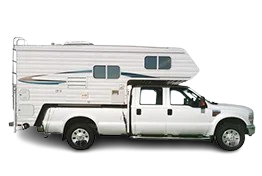
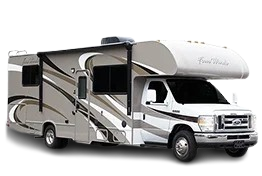
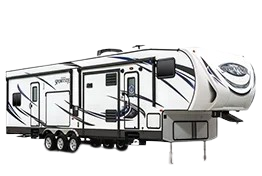
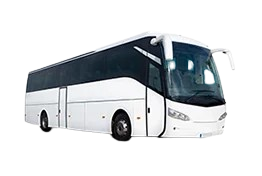
AHD monitors are used across a wide range of commercial vehicles:
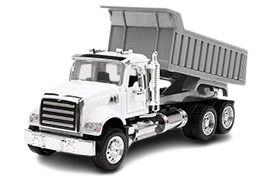
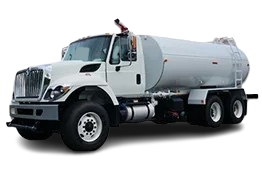
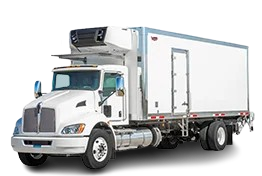
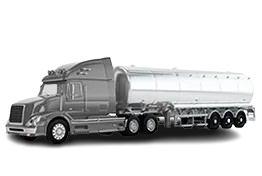
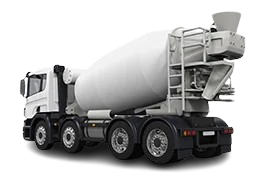
- Freight trucks: Rear-view and side blind-spot monitoring
- Transit and school buses: Door, passenger and exterior monitoring
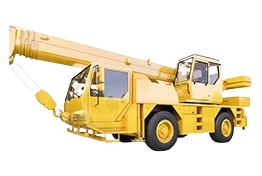
- Construction machinery: Visibility around excavators, loaders and cranes
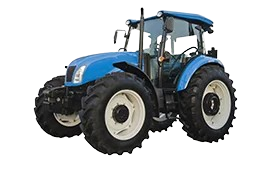
- Agricultural equipment: Monitoring implements and rear working areas
- Waste vehicles: Viewing loading equipment and surrounding obstacles
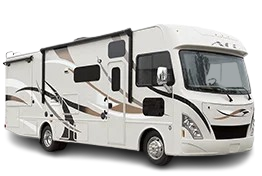
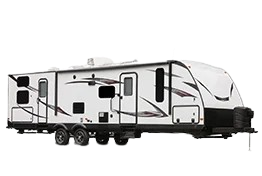
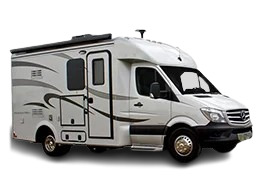
- RVs and trailers: Reversing and continuous rear observation
The correct configuration depends on the vehicle size, blind spots and operating environment.
Why Does an AHD Monitor Show No Image?
A blank or unstable image does not always mean the equipment is defective.
Common causes include:
- AHD and CVBS signal mismatch
- Unsupported camera resolution
- Incorrect input channel
- PAL and NTSC mismatch
- Incorrect connector pinout
- Insufficient camera power
- Loose or damaged cables
- Electrical interference
Start by confirming the video format and selected channel. Then check the camera voltage, connector pinout and cable condition.
If you are combining products from different manufacturers, provide both model numbers and wiring diagrams to the supplier before installation.
Frequently Asked Questions
1.Is AHD better than CVBS?
AHD provides more image detail than standard-definition CVBS and is generally better for identifying pedestrians and obstacles. CVBS may still be practical for maintaining an existing vehicle camera system.
2.Can an AHD monitor display a CVBS camera?
Only if the monitor specifically supports CVBS input. Some hybrid monitors automatically detect both formats, while others require manual switching.
3.Can an AHD monitor connect multiple cameras?
Yes. Depending on the model, an AHD monitor may support two, three or four camera inputs with split-screen or quad-view display modes.
4.Does an AHD monitor record video?
A standard monitor only displays live video. Recording requires an integrated DVR monitor or a separate compatible recorder.
Choose the Right AHD Monitor for Your Vehicle
A reliable AHD system must match the camera signal, monitor input, connector pinout, voltage and cable configuration.
AOTOP manufactures AHD vehicle monitors and vehicle cameras for trucks, buses, RVs and industrial vehicles. Available options include different screen sizes, camera channels, split-screen modes and OEM/ODM configurations.
Not sure whether your existing cameras are compatible? Send AOTOP the camera model, connector photo, vehicle voltage and required number of channels. Our team can help recommend a suitable system.
CTA: Check Camera Compatibility