





Why Complete Video Recording Matters for Commercial Vehicles?
When an incident occurs, missing video context can leave fleet managers with conflicting accounts and unanswered questions. A single camera may capture the impact but miss how the event developed. Complete video recording combines multiple exterior camera views with continuous or event-protected footage, helping fleets review what happened before, during and after an incident.
Complete recording is not about installing the largest possible number of cameras. It is about recording the areas most relevant to the vehicle’s operation and preserving enough of the timeline to understand the event.
What is Complete Video Recording?
Complete video recording is a commercial vehicle camera system that records multiple exterior views and stores the footage for later review.
Depending on the vehicle, the recorded areas may include:
- Road ahead
- Rear reversing area
- Left and right blind spots
- Loading or unloading zone
- Trailer connection
- Equipment working area
A DVR monitor or mobile digital video recorder receives and records these camera signals. The system may display several views at the same time while saving the footage to an SD card or another storage device.
A recording system is complete when it captures the required views, preserves the relevant timeline and allows authorized personnel to retrieve the footage when needed.
Continuous Recording vs Event Recording
Continuous recording and event recording capture video in different ways.
| Recording Mode | How it Works | Main Consideration |
|---|---|---|
| Continuous recording | Records while the vehicle system operates | Older footage is overwritten when storage is full |
| Event recording | Protects video when an impact or other trigger occurs | An event may not activate the trigger |
| Hybrid recording | Combines loop recording with protected event files | Storage and triggers must be configured correctly |
Event-triggered recording usually saves footage when the system detects a collision, hard brake or another configured event. These clips are easier to locate, but they may not contain the complete context if the event began before the trigger activated.
Continuous recording preserves a wider timeline. It can capture activity that does not activate an event trigger, including low-speed contact, loading damage or an incident that develops gradually.
The U.S. National Transportation Safety Board separates commercial vehicle video systems into continuous and event-based recording systems. Its research also explains the value of footage covering the pre-crash, crash and post-crash stages. Read the NTSB commercial vehicle onboard video study *.
For many commercial vehicles, hybrid recording provides a practical balance. The system records routine operation continuously while protecting selected event files from automatic overwriting.
Why is One Camera Often Not Enough?
One camera records only one direction, while commercial vehicle incidents often involve several areas.
A forward-facing camera can show road conditions but cannot record activity beside a long trailer. A rear camera can capture a reversing collision but may miss a pedestrian or vehicle approaching from the side.
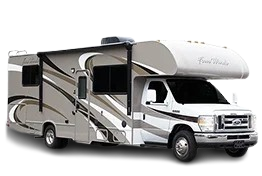
Commercial vehicles also have larger and more complex blind spots than passenger cars. The driver of a box truck, bus, trailer or industrial vehicle may not be able to see several areas around the vehicle through mirrors alone.
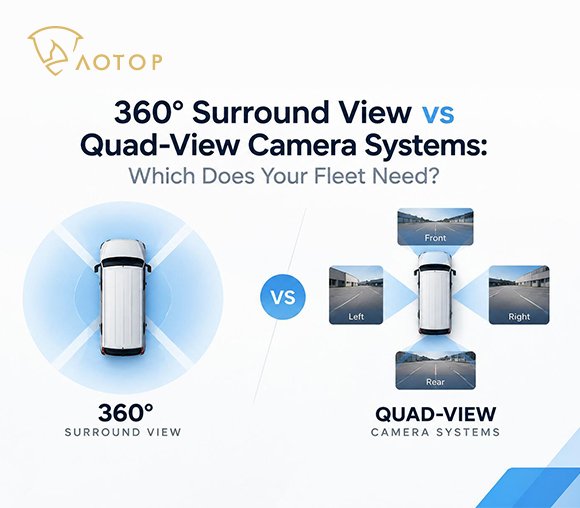
Adding side and rear cameras fills these recording gaps. When the camera channels use synchronized timestamps, fleet managers can compare several views from the same moment instead of relying on one incomplete perspective.
The objective is not to claim zero blind spots. Camera placement should be based on the vehicle’s actual dimensions, structure and working environment.
How Does Complete Recording Help After an Incident?
Complete video recording provides objective visual context for incident review. It does not automatically determine responsibility, but it can help fleet managers, insurers and investigators understand the sequence of events.
Useful footage may show:
- The vehicle’s position and direction
- Surrounding vehicles or pedestrians
- Activity inside a side or rear blind spot
- Conditions immediately before an impact
- The moment of contact
- Events that occurred afterward
Multiple synchronized views can also help when different parties provide conflicting descriptions. Instead of relying only on memory, the reviewer can compare the front, rear and side views from the same time period.
Recorded footage can support more than collision investigations. Fleets may also use it to review loading damage, unsafe reversing, worksite incidents and repeated problems at specific locations.
How Many Cameras Does a Commercial Vehicle Need?
The required number of cameras depends on the vehicle’s blind spots and operating tasks.
| Vehicle Application | Possible Recording Views |
|---|---|
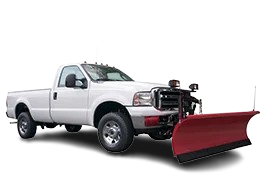
| Work truck | Front and rear |
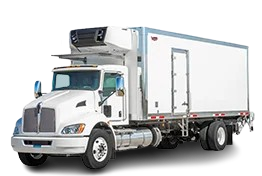
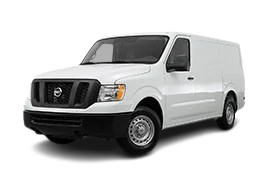
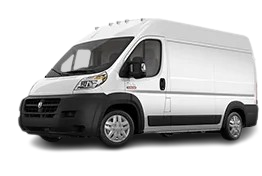
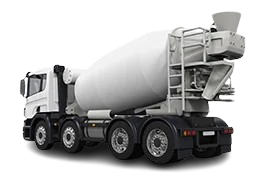
| Box truck | Front, rear, left and right |
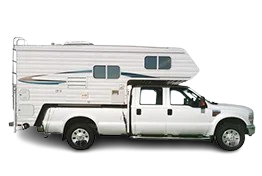
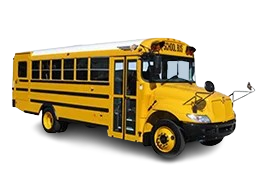
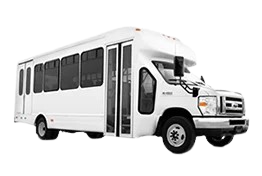
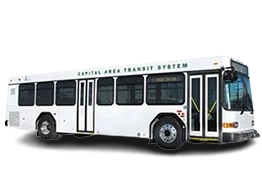
| Bus | Road, doors, sides and rear |
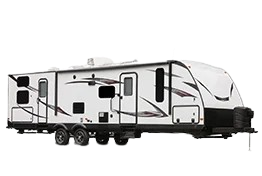
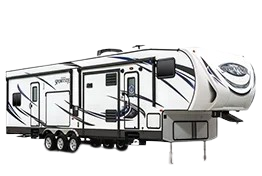
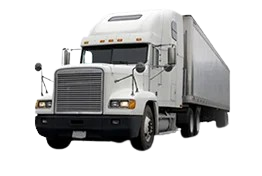
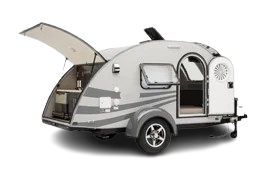
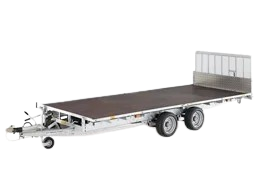
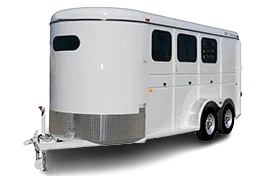
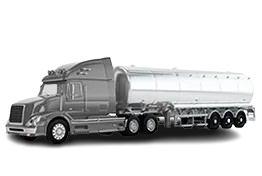
| Truck and trailer | Truck front, sides and trailer rear |
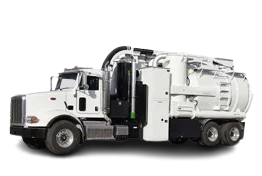
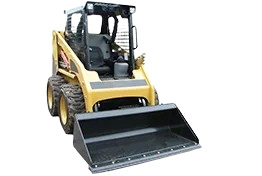
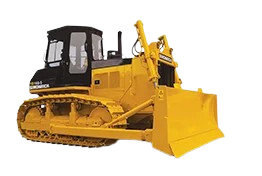
| Construction vehicle | Front, rear and working areas |
| Waste vehicle | Front, sides, rear and loading equipment |
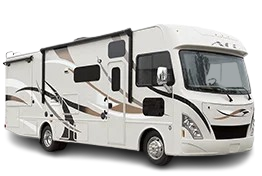
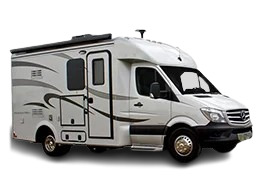
These configurations are starting points rather than fixed rules. A vehicle assessment should consider its length, body design, driver visibility and work areas before deciding how many cameras are required.
What Should Buyers Check in a Recording System?
Buyers should evaluate the complete recording process—not only the number of video inputs.
Check the following specifications:
- Recording channels: Confirm how many cameras can record simultaneously.
- Saved resolution: Check the resolution stored by the recorder, not only the camera input resolution.
- Storage capacity: Match the memory capacity to the number of channels and daily operating time.
- Recording mode: Confirm whether the system supports continuous, event and loop recording.
- Event protection: Check how important clips are protected from overwriting.
- Playback and export: Verify how the files can be reviewed and copied.
- Time synchronization: Confirm that all channels use matching timestamps.
- Camera compatibility: Check the video format, resolution, connector and pinout.
- Vehicle voltage: Match the recorder and cameras to the vehicle’s electrical system.
- Operating environment: Check vibration, temperature and water-resistance requirements.
A live image on the monitor does not always confirm that every channel is being recorded. Test recording, playback and file export before putting the vehicle into service.
AOTOP offers commercial vehicle DVR monitors with different display sizes, camera inputs and recording configurations.
Complete Recording Leaves Fewer Questions Unanswered
Complete video recording is not defined by one camera or one recorded moment. Its value comes from capturing the relevant views and preserving enough of the timeline to understand what happened.
One camera may show the impact. A properly planned multi-camera system can also show where the event began, which blind areas were involved and what happened afterward.
Before selecting a system, define the vehicle type, length, main blind spots, required recording time and number of exterior camera views. The cameras, DVR monitor, storage and power supply must then operate as one compatible system.
Not sure how many cameras or recording channels your vehicle needs? Send AOTOP your vehicle information and recording requirements. Our team can help plan a suitable camera, DVR monitor and storage configuration.